How to create a checklist for Groups
How to create a checklist for Medlearn Groups
Learn how to create items for a task checklist on the MedLearn platform. This guide walks you through the steps to locate and create entries, ensuring your checklists remain accurate and up-to-date.
1
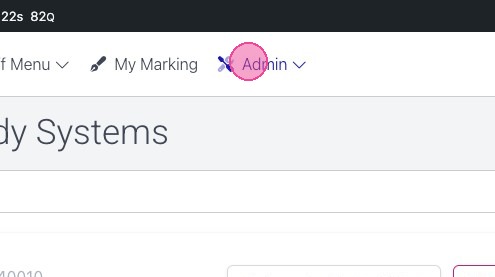
Click “Admin”
2
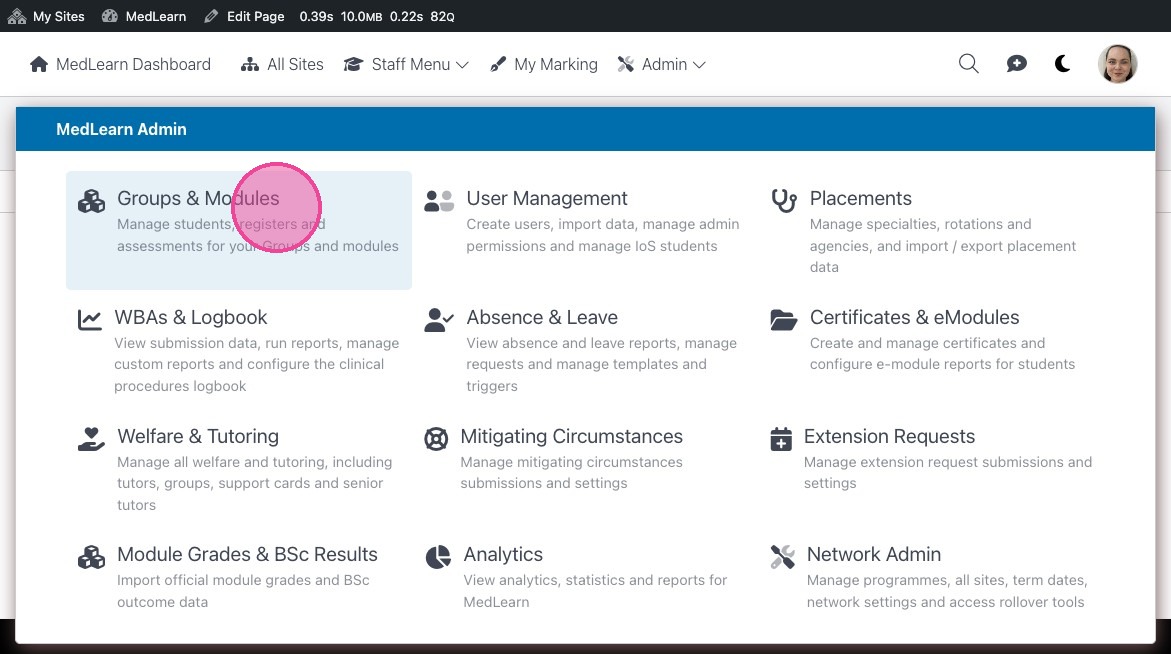
Click “Groups & Modules”
3
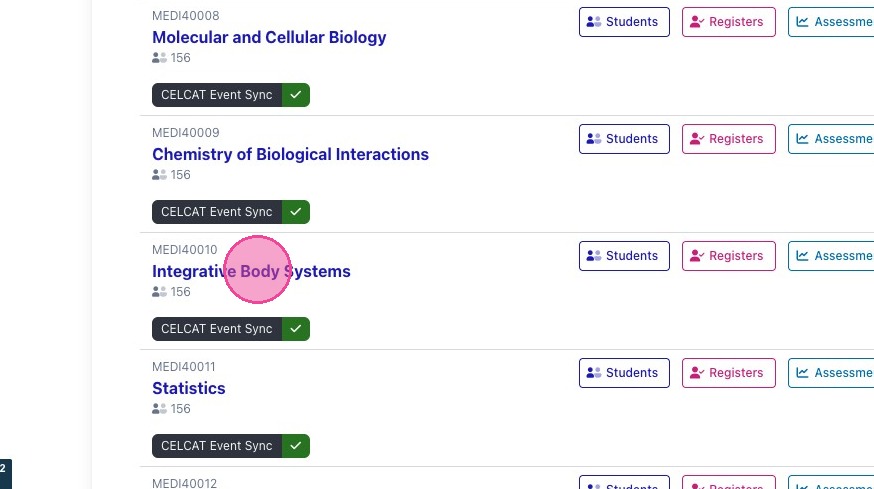
Click the group you would like to edit
4
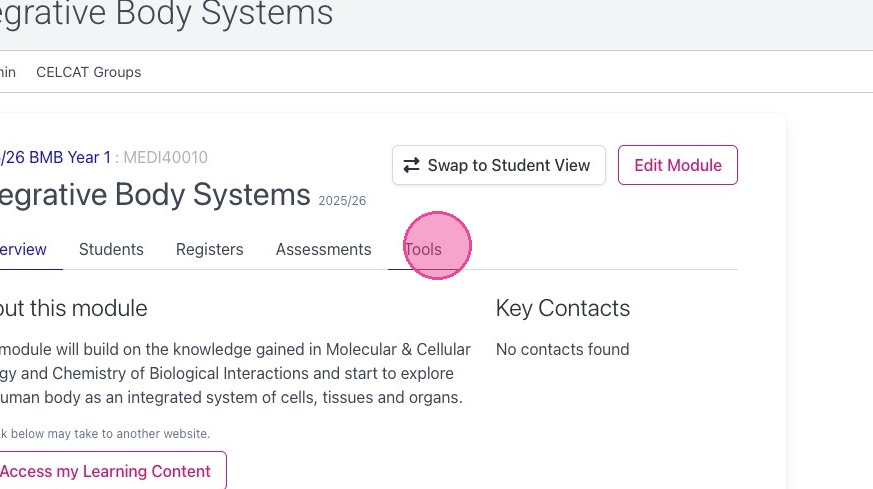
Click “Tools”
5
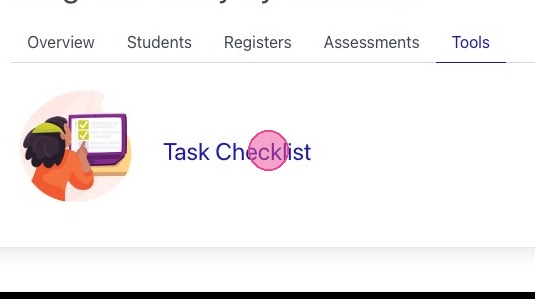
Click “Task Checklist”
6
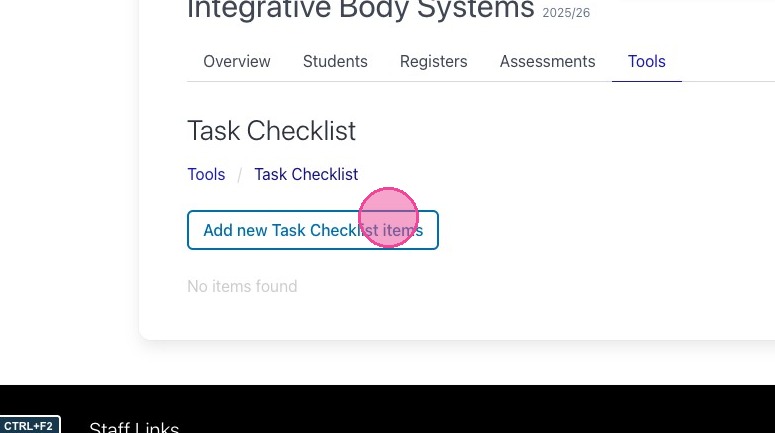
Click “Add new Task Checklist items”
7
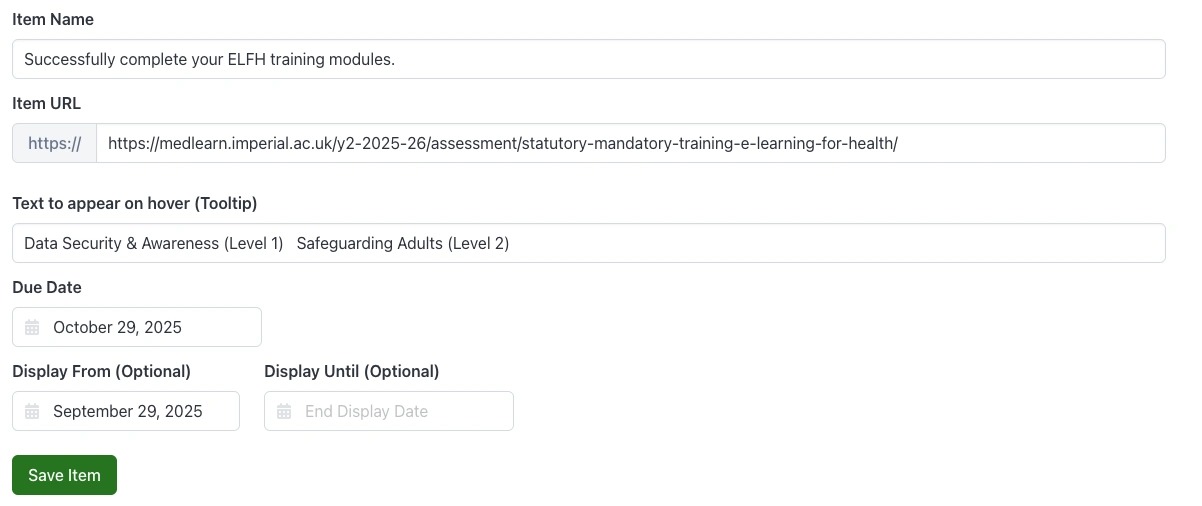
Complete the following information for the item.
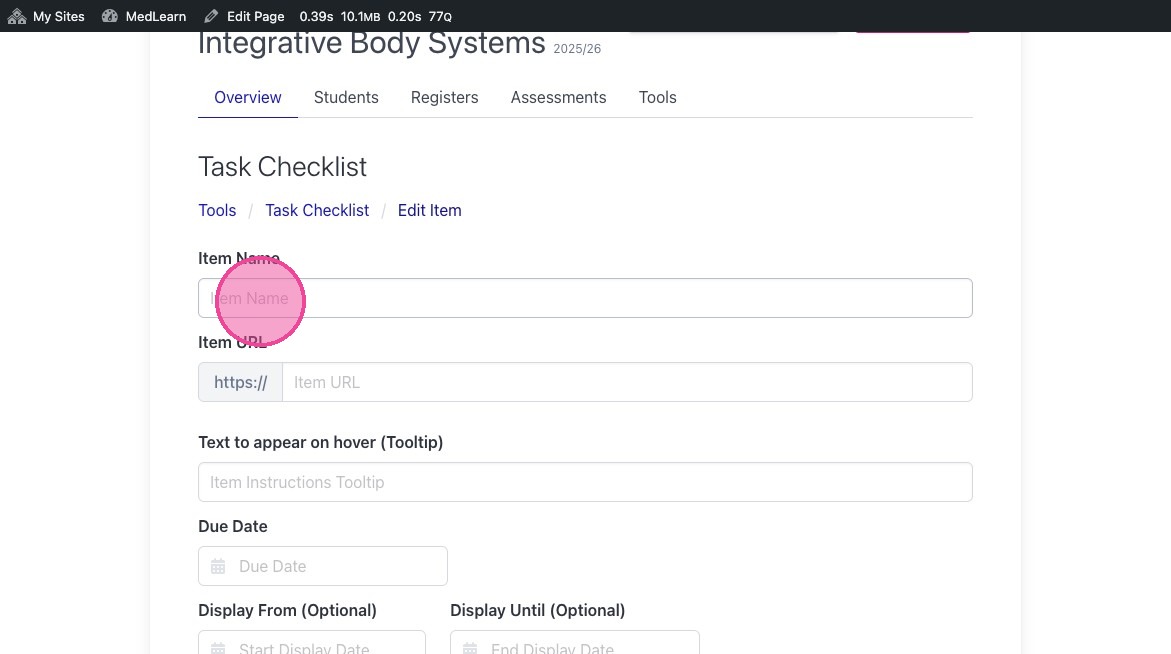
Tip: Here is an example of a completed task item.
8
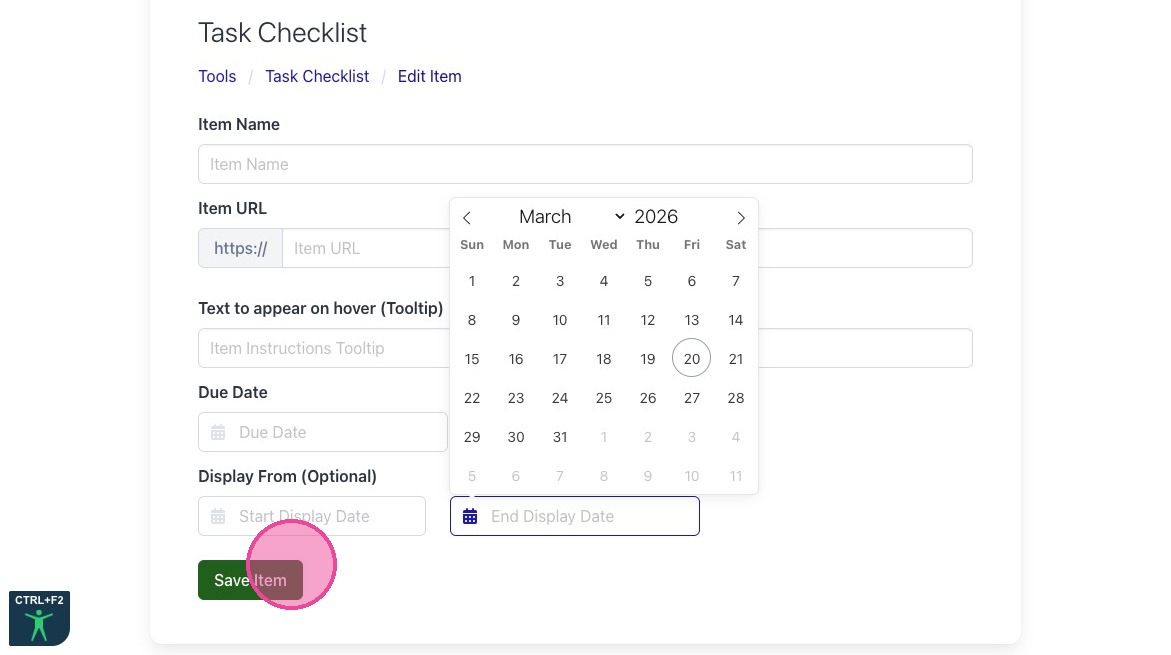
Click “Submit”
9
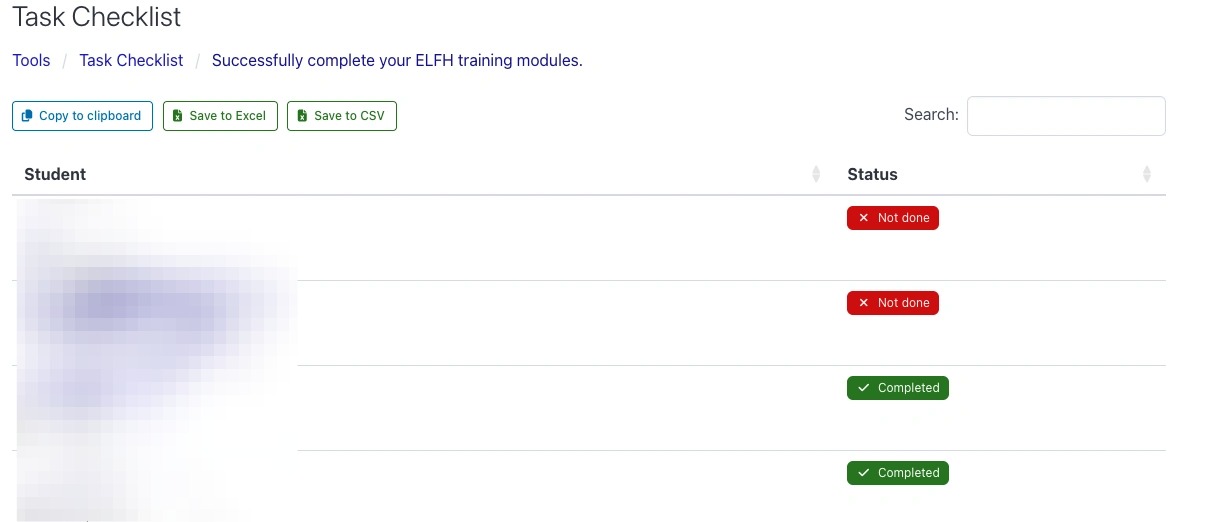
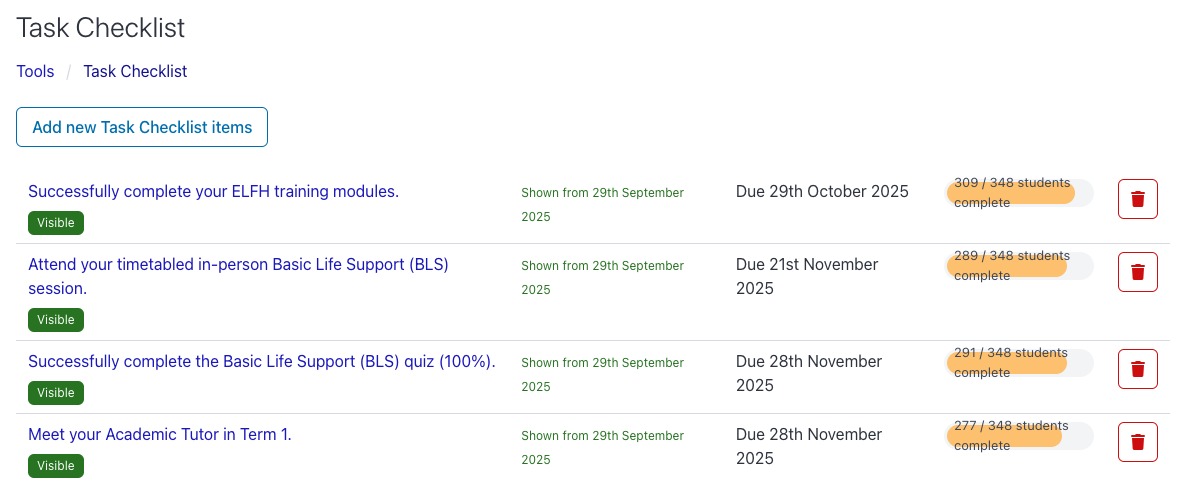
You will then have a checklist with the items you have created with an overview of each task.
10
Each item will also have a report feature showing the status for each student. This can also be downloaded as a spreadsheet.